If faces are assigned to the wrong person, this can be corrected quickly.
You can also merge people if a person has been created twice.
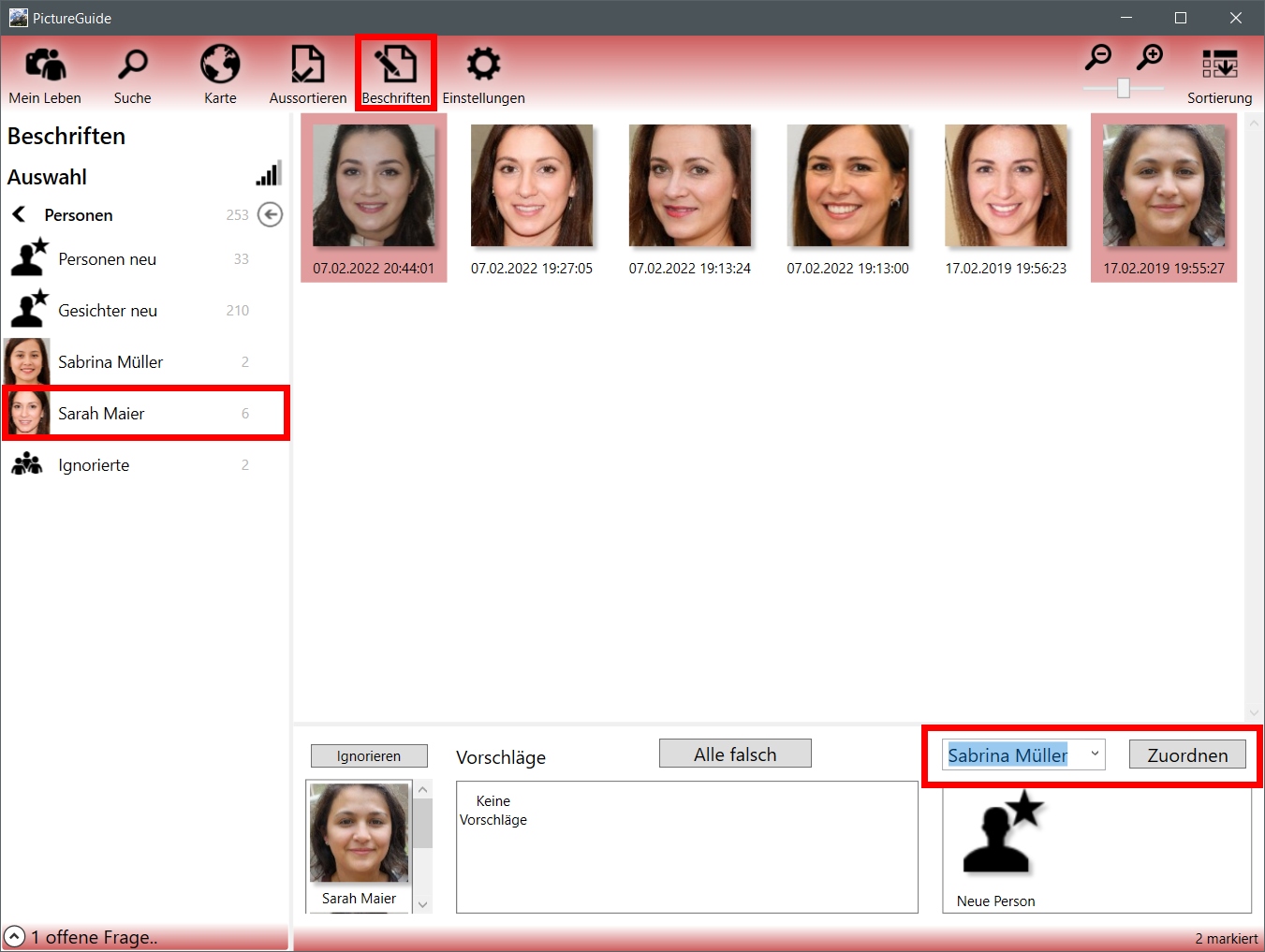
In the example, some faces of Sofia Sardes are assigned to Sabrina Müller.
-
PictureGuide > Labeling > People
-
Select person that contains fake faces
-
Mark all the wrong faces
-
Select > assign a new person via the drop-down list
-
Alternative: Drag and drop faces onto the new person in the left menu
-
Alternative: Assign or delete faces to another person using the context menu