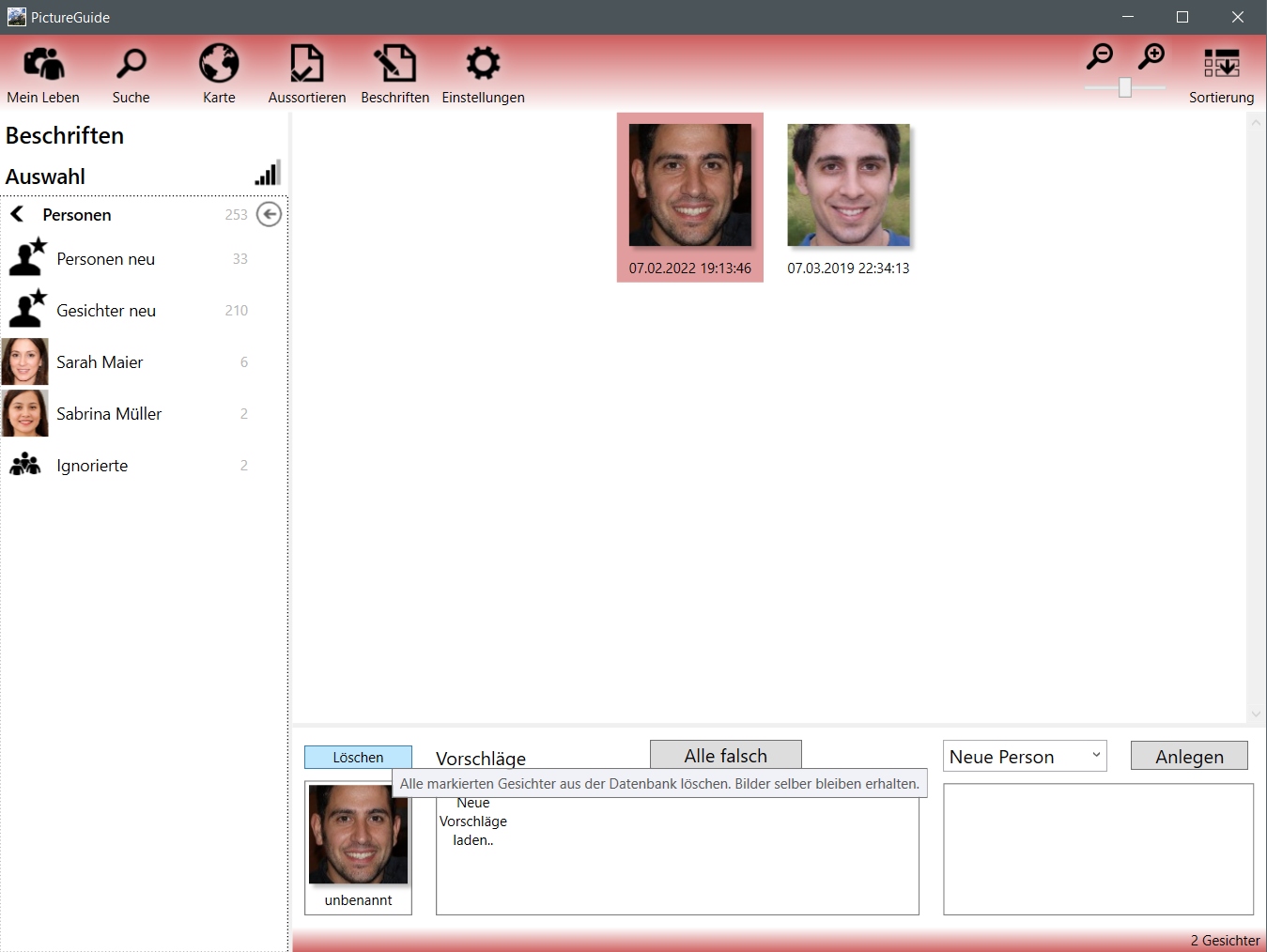
Label > person > choose suggestions or named person
Ignore button - This will move the selected faces (including those marked under Suggestions) to the 'Ignored' group. These faces will then no longer be included in facial recognition for the time being.
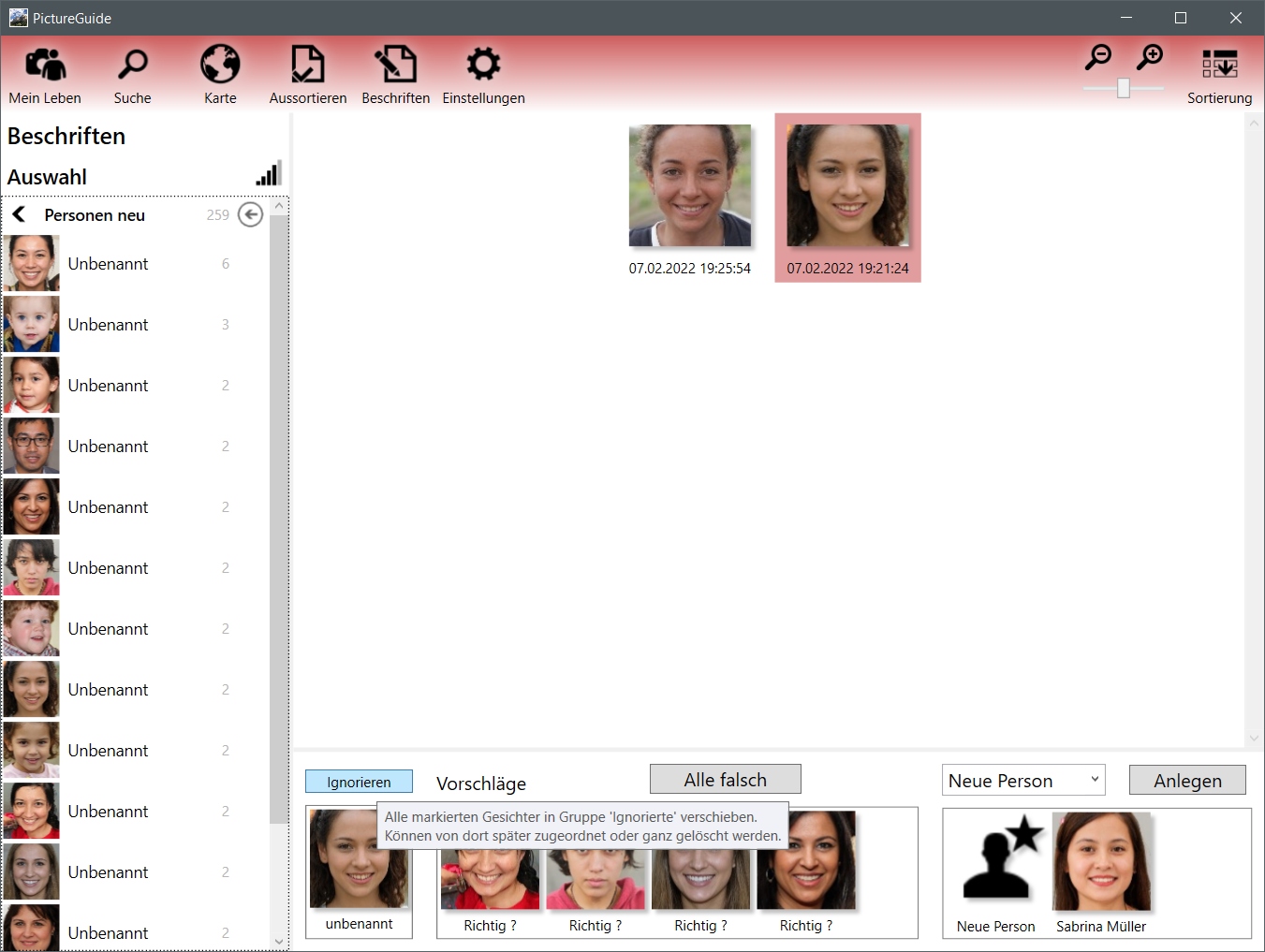
Ignore/delete suggested faces
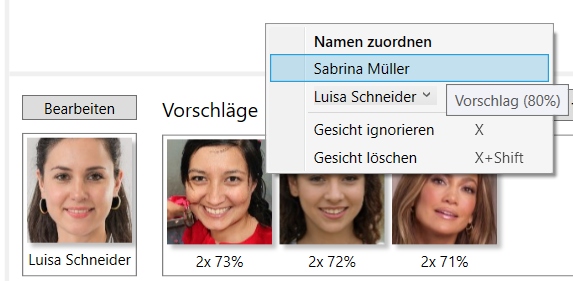
Suggestions can be ignored (key x) or deleted (Shift+x) via the context menu or a keyboard shortcut. If you want to work with the key combination, it is sufficient to hover over the face with the mouse pointer.
Check / permanently delete ignored faces
The Ignored group can be found at the end of the normal people list. Faces contained there can still be manually assigned to a person.
These faces can also be permanently deleted. Deleted faces can no longer be labeled or included in the face identifier. Useful if the person is unknown or unimportant.